









What is included in a practical cyber plan? We reviewed the Canadian Centre for Cyber Security’s baseline controls, the Cyber Centre’s backup and encryption guidance, the Cyber Centre’s guidance on generative AI, and the Office of the Privacy Commissioner of Canada’s breach-reporting guidance.
This guide presents seven controls for Canadian small- or medium-sized organizations that protect against common cyberattacks, prevent unauthorized access to your systems, and safeguard the information you need to recover.
How Can You Protect Your Business From Cyber Attacks?
Ideally, you should try to follow the seven measures identified in this guide or at least discuss them with your IT team.
Read More: Read About Growing Cyber Threats and Cyber Insurance
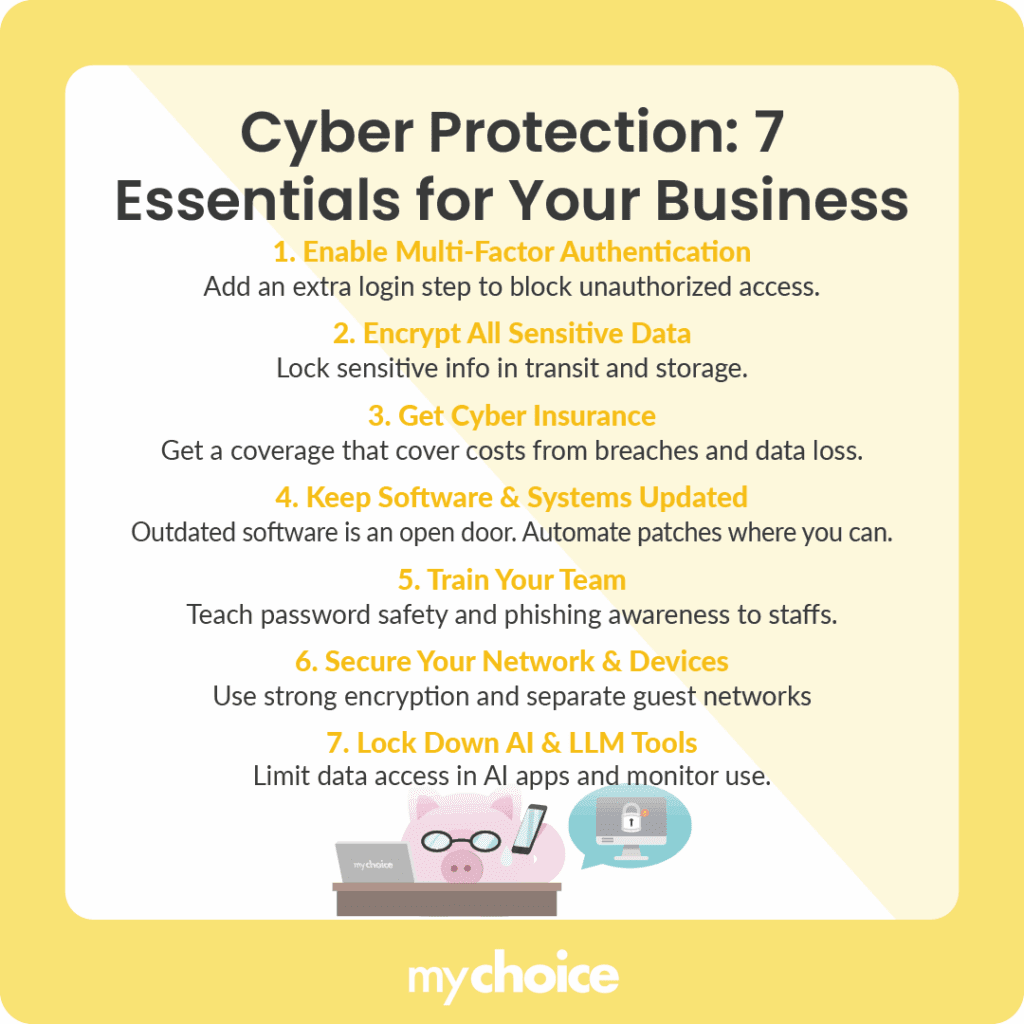
1. Use Multi-Factor Authentication
Use multi-factor authentication, particularly on accounts where a bad actor would do the most damage, such as email, administrator accounts, remote access, payroll, banking, and cloud management. Where possible, use phishing-resistant MFA, since SMS is not as secure as other options.
Combine with least-privilege access management practices. Give each person a named account. Remove system permissions as soon as people’s roles change. Require a separate, more-privileged account for administrator-type work.
Carefully review the use of service accounts and shared credentials, as MFA may not protect these as effectively as user accounts.
2. Encrypt All of Your Sensitive Data
Identify sensitive information: what is sensitive, where it’s stored physically and virtually, who can access it and how, and how long it needs to be kept. Ensure that appropriate data is encrypted in transit and at rest, that keys are stored separately from the data, and that data exports are controlled.
If using cloud-based storage and encryption, ensure tenant accounts, key management and sharing settings are correctly configured. Encryption is not a backup. Maintain a disaster-recovery and backup solution, ideally on different infrastructure, a separate platform, system, or service. Protect backup administrator credentials and test restores instead of assuming they will work.
3. Get Cyber Insurance
Cyber insurance may cover some of your organization’s first-party costs associated with the breach, such as business interruption and incident response costs. It may cover your organization’s third-party liability for the breach, subject to the terms of the insurance. Whether or not ransom/extortion payments will be covered depends on the terms of the policy and may be prevented by law and sanctions.
Always check the terms of the insurance for any applicable sub-limits, retention, waiting periods and requirements for consent before retaining a forensic firm or paying ransom/extortion demands.
Include your insurer’s emergency breach response hotline(s), notification requirements and consent provisions in your cyber incident response plan.
Read More: Explore Cyber Liability Insurance
4. Make Sure Your Software Is Up to Date
Maintain a comprehensive asset inventory that includes devices, operating systems, applications, printers, routers, cloud services, and anything exposed to the Internet.
The asset inventory should identify the business and technical owner of each asset, whether it is supported, and when it is due for updates/patches. Retire or quarantine assets that can’t be secured.
Focus on remediating Internet-facing vulnerabilities that are being exploited.
When applying patches or updates, back up configurations, test major changes, and validate completion.
5. Train Your Staff on Cyber Hygiene
Measure the whole process, not just click rates.
- Tell employees what they’re supposed to do in response to various kinds of events, for example, report suspicious messages, use the company-sanctioned password manager, protect their MFA device from prying eyes, or use a second communication channel to confirm unusual vendor, payroll or financial changes.
- Train them in the context of their specific job, such as during onboarding, short training modules, or role-specific simulations.
- Make sure there’s one simple process for quickly reporting mistakes without worrying about hiding them.
- Leverage phishing simulations if it leads to coaching and fixing broken processes.
6. Secure Your Networks and Third-Party Access
Change default credentials. Install current firmware and use supported encryption methods. Limit administrative access to manage the network. Keep guest access segregated from business networks. Remember, while a VPN encrypts network traffic, it’s only as strong as the endpoint, user, and the VPN itself.
Identify methods of access for cloud and third-party providers. Limit third-party vendor access to appropriate systems and timeframes. Ensure that third-party vendors will notify you in the event of a discovered incident.
7. Secure Your AI Tools and LLM Integrations
- Ensure there is an approved tools list alongside data policies.
- Do not share personal, customer, confidential, or proprietary data until the AI provider has been vetted, including how data is stored, used for training, disclosed to third parties, and deleted across prompts and files.
- Treat actions and outputs of AI tools as unverified until reviewed.
- Require human verification before payments, contracts, permission grants, customer emails, etc.
Turn the Seven Controls Into an Operating Schedule
| Evidence to keep | Owner | Minimum test |
|---|---|---|
| MFA and privileged-access report | System owner | Conduct a quarterly access review and leaver test. |
| Data inventory, backup log and restore record | Data or operations owner | On a fixed schedule, restore a representative system. |
| Patch and unsupported-asset report | IT owner or provider | Confirm fixes for high-risk vulnerabilities. Scan exposed systems. |
| Training and payment-verification procedure | People and finance leads | Run a realistic report-and -escalate exercise |
| Incident plan, contacts and decision log | Incident lead | Include technical, privacy, legal and insurance roles; run a tabletop test |
Read More: Use the Small-Business Data Breach Prevention Guide
What to Do After a Privacy Breach
Contain the incident, but don’t destroy evidence. Activate the response team, evaluate what information was affected, who may have been affected and whether there is potential for harm. Record the action items and decisions. Build a timeline and keep records of the breach.
Depending on the type of organization, type of information and province(s) in which the organization operates, the breach may have implications beyond PIPEDA and be covered under provincial or sector-specific privacy legislation. Check what notification requirements apply in your organization. PIPEDA requires an organization to report breaches of security safeguards that create a real risk of significant harm to the Privacy Commissioner of Canada, notify affected individuals and keep records of all breaches.
Read More: Read About Insurance Gaps in Outsourced Work